
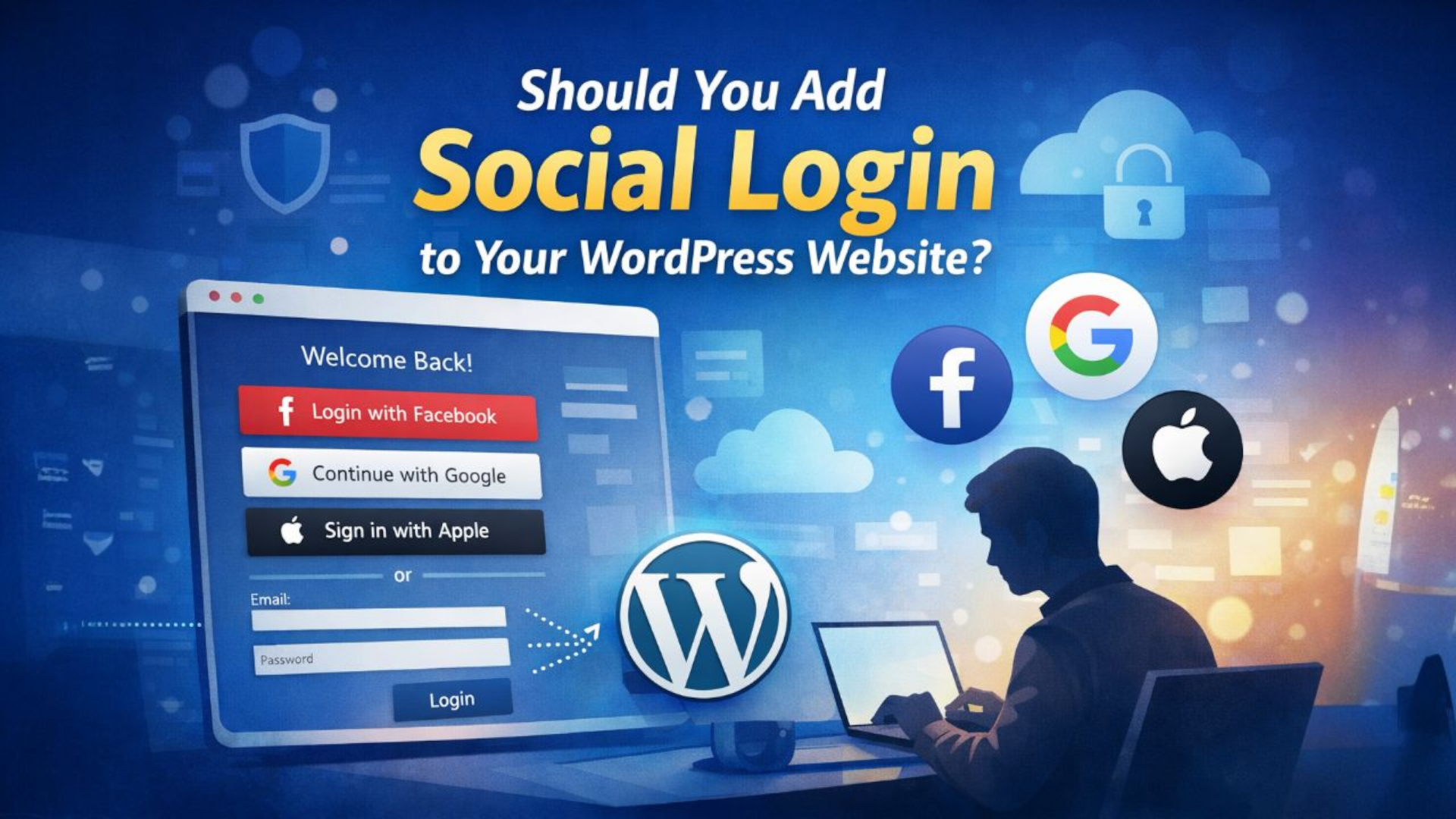
User experience decides whether someone stays on your website or leaves in seconds. One small feature that can quietly influence that decision is social login.
You have probably seen it before.
Continue with Google.
Login with Facebook.
It looks simple. But is it really necessary for your website?
Let’s break it down clearly.
What Is Social Login?
Social login allows users to sign in to your WordPress website using an existing account like Google, Facebook, or Apple instead of creating a new username and password.
Instead of filling out a registration form, users log in with one click.
Why Website Owners Consider Social Login
1. Faster Registration
People dislike filling forms. The fewer fields you show, the better your chances of getting them to complete registration.
Social login removes friction.
2. Better Mobile Experience
On mobile devices, typing passwords is inconvenient. A one-tap login makes the experience smoother.
3. Fewer Password Issues
No more “Forgot Password” emails. Users authenticate through their social account.
4. Verified Email Addresses
Most social accounts are linked to real email addresses, which improves database quality.
The Downsides You Should Know
1. Dependency on Third-Party Platforms
You rely on Google or Facebook APIs. If they change something, your login system may require updates.
2. Privacy Concerns
Some users prefer not to connect their social profiles to external websites.
3. Extra Technical Setup
You must configure developer credentials inside Google or Facebook dashboards. It is not difficult, but it requires proper configuration.
4. Cluttered Interface
Too many social buttons can make your login page look messy and unprofessional.
Do Blogs Really Need Social Login?
For a business blog like mitrang.com, ask yourself:
- Do users need accounts?
- Are you building a member area?
- Do you want user-generated content?
- Are comments important?
If your blog is mainly informational, social login is optional.
If you plan to build a community, gated content, or online courses, it becomes more useful.
Smart Strategy for Business Websites
Instead of adding every social platform available, keep it simple.
Best practice:
- Add Google login only
- Keep standard email login
- Do not force registration for basic content
Clean design always wins over feature overload.
Recommended WordPress Plugins
- Nextend Social Login – Simple and widely used
- Super Socializer – Login plus sharing features
- MiniOrange Social Login – Advanced options for larger setups
Final Thought
Social login is not a magic conversion tool. It is a convenience feature.
If your audience values speed and simplicity, it helps.
If your website does not depend on user accounts, it may not be necessary.
Technology should serve purpose, not decorate your website.
Before adding any feature, ask one question:
Does this improve the user journey?
If the answer is yes, implement it properly.
If not, keep your website lean.