
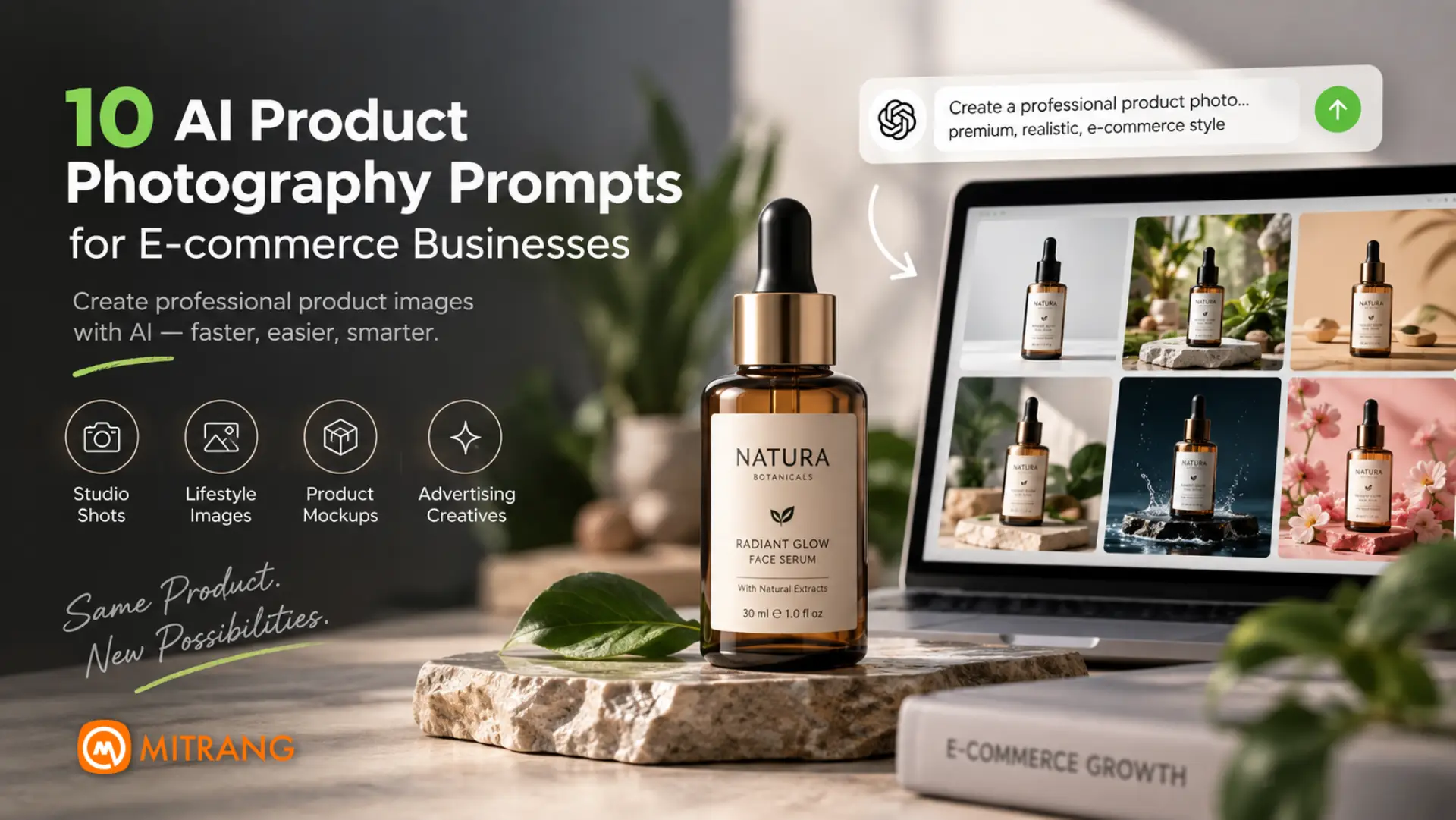
10 AI Product Photography Prompts for E-commerce Businesses
AI product photography prompts can help e-commerce businesses create professional-looking product images without expensive studio setups. With the right prompt, AI image-generation tools can create clean product shots, lifestyle scenes, commercial compositions, and advertising visuals while keeping the actual product as accurate as possible.
For online stores, product photography is more than simply making an image look attractive. The product needs to remain recognizable, its shape and proportions should stay accurate, and important details such as packaging, labels, colours and textures should not be unnecessarily altered.
At Mitrang, we use AI-assisted creative workflows for product visuals, advertising content and digital marketing. One thing we have learned is that a good AI product photography prompt is not simply a description of what you want to see. It needs to clearly define the product, environment, lighting, composition, camera perspective and, most importantly, what the AI should not change.
In this guide, we share 10 practical AI prompts for e-commerce product photography that you can adapt to your own products.
Why Use AI for E-commerce Product Photography?
Traditional product photography can require a camera, lighting equipment, studio space, props and post-production.
AI can be useful when you need to:
- Create product images for an online store
- Generate lifestyle product scenes
- Create advertising creatives
- Produce seasonal campaign images
- Change the background without reshooting the product
- Create premium-looking product mockups
- Generate social media product visuals
- Test different visual concepts before a photoshoot
However, AI-generated product photography has one major challenge: product accuracy.
An attractive image is not useful if AI changes the packaging, logo, product shape, label or important details.
That is why the prompts below focus heavily on product preservation and realism.
1. Clean Studio Product Photography Prompt
This is a good starting point for almost any e-commerce product.
Prompt
Use the attached product image as the exact visual reference. Create a professional commercial product photograph of the same product. Preserve the product exactly as photographed, including its shape, proportions, packaging, colours, logo, label, typography, surface texture and fine details. Place the product upright on a clean seamless studio background with soft, realistic lighting and subtle natural contact shadow. Use controlled three-point studio lighting, realistic reflections and accurate material rendering. Keep the product sharply focused with natural edges and realistic texture. Minimal composition, premium commercial photography, clean e-commerce aesthetic, photorealistic, high detail, professional product photography. Do not redesign, modify, replace or invent any part of the product or packaging.
Best for: Online store listings, product catalogues and marketplace images.
2. Luxury Product Photography Prompt
Use this when you want a more premium visual for a website or advertising campaign.
Prompt
Create a high-end luxury commercial photograph using the attached product as the exact reference. Preserve the original product design, proportions, packaging, colours, logo, label and materials without alteration. Place the product on an elegant minimal studio surface with sophisticated directional lighting, soft highlights and controlled shadows. Create a premium advertising atmosphere with subtle depth, realistic reflections and carefully balanced contrast. Use a refined composition with generous negative space and the product as the clear focal point. Photorealistic professional advertising photography, realistic materials, natural shadows, high-end commercial campaign aesthetic, extremely detailed. Do not change the product or create fictional packaging.
Best for: Cosmetics, jewellery, premium food products, fashion accessories and luxury brands.
3. Lifestyle Product Photography Prompt
Lifestyle photography can make an otherwise ordinary product feel more relatable.
Prompt
Create a realistic lifestyle product photograph using the attached product as the exact reference. Keep the product completely accurate, preserving its original shape, size, colours, packaging, logo, label, texture and details. Place the product naturally within a realistic lifestyle environment relevant to its intended use. Use natural-looking daylight, realistic shadows, authentic environmental details and shallow depth of field. The product should remain the main subject and be clearly visible. Create the appearance of a professionally photographed commercial lifestyle campaign rather than an AI-generated scene. Photorealistic, natural lighting, realistic materials, authentic environment, professional product photography. Do not modify the product or its packaging.
Best for: Food, beverages, skincare, clothing, home products and lifestyle brands.
4. Product on a Minimal Background
Sometimes simple is better, especially for e-commerce.
Prompt
Create a clean professional e-commerce product photograph using the attached product as the exact reference. Remove the existing background and place the product on a minimal, seamless background. Preserve every visible detail of the original product, including edges, proportions, colours, textures, packaging, logo and typography. Use soft diffused studio lighting with a subtle realistic contact shadow beneath the product. Keep the composition simple and uncluttered, with the product centred and clearly separated from the background. Accurate colour reproduction, natural material texture, sharp focus, realistic photography, professional online-store product image. Do not add unnecessary objects, decorations or artificial effects.
Best for: Product listings, catalogues and online stores.
5. Product Photography with Natural Props
Props can add context without taking attention away from the product.
Prompt
Use the attached product as the exact reference and create a realistic commercial product photograph. Preserve the product completely, including its shape, proportions, colours, packaging, logo, label and surface texture. Place the product in a carefully styled environment using a small number of natural props that are relevant to the product category. Keep all props secondary and make the original product the dominant visual element. Use soft natural light, realistic shadows, subtle depth of field and authentic material textures. The composition should look like a professionally photographed editorial product campaign. Photorealistic, premium commercial photography, realistic lighting and natural composition. Do not alter the product or its packaging.
Best for: Food brands, cosmetics, tea, coffee, handmade products and lifestyle products.
6. Top-Down Product Photography Prompt
A top-down composition works particularly well for food and flat-lay products.
Prompt
Create a professional top-down commercial product photograph using the attached product as the exact reference. Preserve the product exactly, including packaging, colours, logo, typography, proportions and texture. Arrange the product naturally on a clean surface with a carefully balanced flat-lay composition. Add only a few relevant supporting elements while keeping the product as the primary subject. Use soft diffused overhead lighting, realistic shadows and accurate colour reproduction. Maintain clean spacing and visual balance. Photorealistic professional food and product photography, realistic textures, natural materials, editorial commercial aesthetic, high detail. Do not change the product design, packaging or label.
Best for: Food products, tea, coffee, cosmetics and packaged goods.
7. Dramatic Advertising Product Photography Prompt
For social media ads and promotional campaigns, you may want something more visually striking.
Prompt
Create a dramatic professional advertising photograph using the attached product as the exact reference. Preserve the original product without changing its shape, proportions, packaging, logo, label, colours or surface details. Place the product in a cinematic commercial environment with controlled directional lighting, realistic highlights, atmospheric depth and natural shadows. Create strong visual separation between the product and background while maintaining realistic materials and believable lighting. Use a sophisticated advertising composition with the product as the dominant focal point. Photorealistic commercial photography, cinematic lighting, realistic reflections, premium advertising campaign, high detail. Do not redesign or modify the product.
Best for: Social media advertisements, promotional banners and campaign creatives.
8. Seasonal E-commerce Product Photography Prompt
You can use AI to create campaign variations without photographing the product again.
Prompt
Create a professional seasonal product photograph using the attached product as the exact reference. Preserve the product completely, including its shape, proportions, packaging, logo, label, colours and texture. Place the product within a tasteful seasonal environment appropriate for [SEASON / FESTIVAL / OCCASION]. Use subtle seasonal elements in the background and around the product without covering or changing the product itself. Maintain a premium commercial photography style with realistic lighting, natural shadows, accurate materials and balanced composition. The product must remain the clear focal point. Photorealistic, professional advertising photography, realistic seasonal atmosphere, high detail. Do not alter the product packaging or add fictional text.
Best for: Diwali campaigns, Christmas campaigns, festive promotions, Valentine’s Day and seasonal e-commerce marketing.
9. Premium Social Media Product Image Prompt
Product images for Instagram and Facebook often need to be more visually engaging than standard catalogue photographs.
Prompt
Create a premium social media advertising image using the attached product as the exact visual reference. Preserve the product accurately, including its original shape, proportions, packaging, colours, logo, label and texture. Create a visually striking but realistic commercial scene around the product using sophisticated lighting, subtle environmental elements and strong composition. Keep the product large and clearly visible within the frame, with sufficient clean negative space for optional marketing text to be added later. Photorealistic professional product advertising, realistic materials, natural shadows, premium brand photography, high detail, visually compelling composition. Do not change the product, packaging or typography. Do not generate promotional text inside the image.
Best for: Instagram posts, Facebook ads, website banners and promotional creatives.
10. High-End Product Hero Shot Prompt
This is ideal when the product needs to become the centrepiece of a website or campaign.
Prompt
Create an exceptional high-end commercial hero photograph using the attached product as the exact reference. The product must remain completely faithful to the original image, including its exact shape, proportions, packaging, logo, typography, colours, materials, surface texture and every important visible detail. Place the product in a sophisticated minimal environment designed specifically to showcase it. Use professional studio-quality lighting with realistic highlights, subtle reflections, natural contact shadows and controlled depth of field. Create a strong visual hierarchy with the product as the unmistakable focal point. The composition should feel like a premium international advertising campaign photographed by a professional commercial photographer. Photorealistic, natural materials, physically believable lighting, realistic camera optics, high detail, clean composition, premium product photography. Do not redesign, retouch, distort, replace or invent any part of the product. Do not add text or fictional branding.
Best for: Homepage hero sections, premium campaigns and product launches.
How to Get Better Results from AI Product Photography Prompts
The prompt is only one part of the process. The quality of the reference image matters enormously.
1. Start with a Clear Product Photograph
Use a reasonably sharp image where the product is clearly visible. Avoid heavily compressed or extremely blurry photographs.
2. Tell the AI What Must Not Change
For products, phrases such as:
- “preserve the original product”
- “exact visual reference”
- “do not alter the packaging”
- “preserve the logo and typography”
- “maintain original proportions”
can help communicate that the product itself is not supposed to be redesigned.
3. Describe the Lighting
Instead of simply saying “make it professional”, specify the lighting.
For example:
Soft diffused studio lighting
or
Directional commercial lighting with realistic shadows
This gives the image generator a much clearer visual direction.
4. Separate the Product from the Environment
Tell the AI which elements are allowed to change and which are not.
For example:
Change the environment, but preserve the product exactly.
This distinction is particularly useful for product advertising.
5. Generate the Background Without Text
If the final image needs advertising copy, it is usually better to add the text later in Photoshop, Canva or your preferred design software.
AI-generated text can still be inconsistent, particularly for packaging and promotional graphics.
AI Product Photography Is Not a Replacement for Good Product Images
AI can dramatically speed up creative production, but it does not eliminate the need for good photography.
For important products, your original photograph should still be the source of truth.
A practical workflow is:
Original product photograph → AI-assisted environment/background → professional retouching → graphic design → final e-commerce image
This gives you the creative flexibility of AI while keeping the actual product accurate.
For brands selling online, that balance is important. A beautiful image that misrepresents the product can create the wrong customer expectation.
Final Thoughts
AI product photography is becoming a practical tool for e-commerce businesses, designers and marketers. The biggest improvement does not necessarily come from writing longer prompts. It comes from giving the AI clear visual instructions and protecting the identity of the actual product.
Start with a strong reference photograph, clearly define the desired environment and lighting, and explicitly tell the AI what should remain unchanged.
These 10 AI product photography prompts can be adapted for different products, industries and campaigns. Experiment with the environment, lighting and composition while keeping the actual product consistent.
At Mitrang, we use AI as part of a broader creative workflow that combines design, photography, web development and digital marketing. The goal is not simply to generate an AI image. It is to create a visual that works for the brand and the business.
Have a product image you want to transform? Start with one of the prompts above and experiment with different commercial photography styles while keeping the original product intact.